


Protective Cases


Backpacks
Systems
Displays & Projectors
Printers & Scanners
Storage & Memory
Networking
Components & Accessories
View all
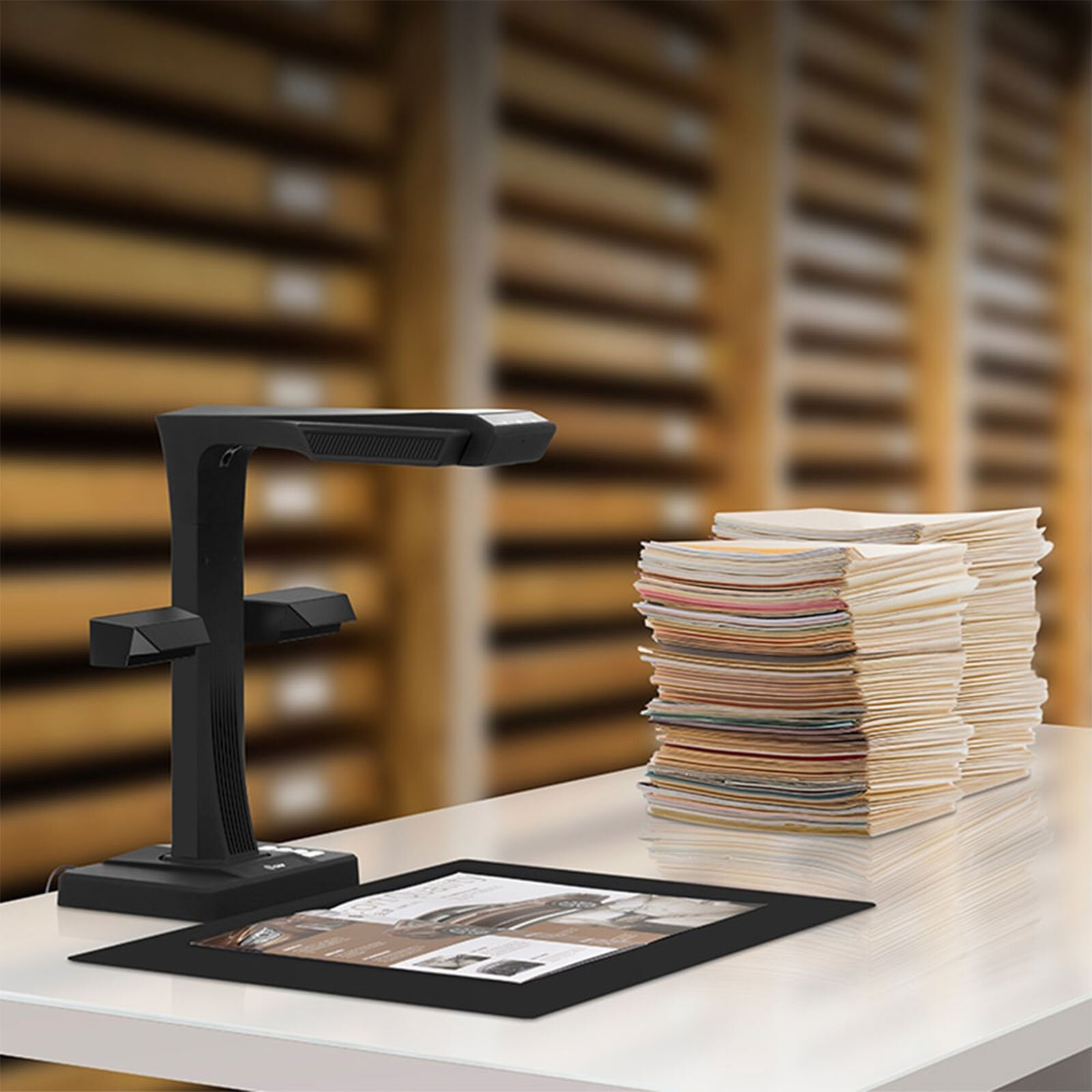
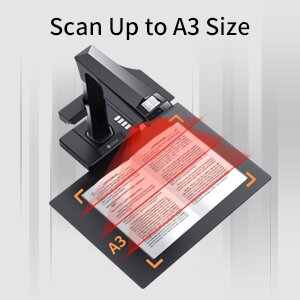
The CZUR ET Max is a 38 MP overhead book scanner that photographs a bound page from above and flattens the curve in software, so nothing presses on the spine. It scans up to A3 (420 x 297 mm) at 410 dpi and includes ABBYY OCR in 190 languages with no subscription.
I'm putting it in front of public library technical services, school district records offices and university special collections. It's a staff and patron tool for books and documents. It is not a document feeder, and it doesn't connect to an archival system.
It can. To get a readable page out of a bound book on a flatbed, you press the spine flat against the glass, and a spine isn't built for that. The ET Max sits above the book instead. A patented laser sensor measures the curve of the page and the software corrects it, so the binding is never pressed. It handles books up to 50 mm thick.
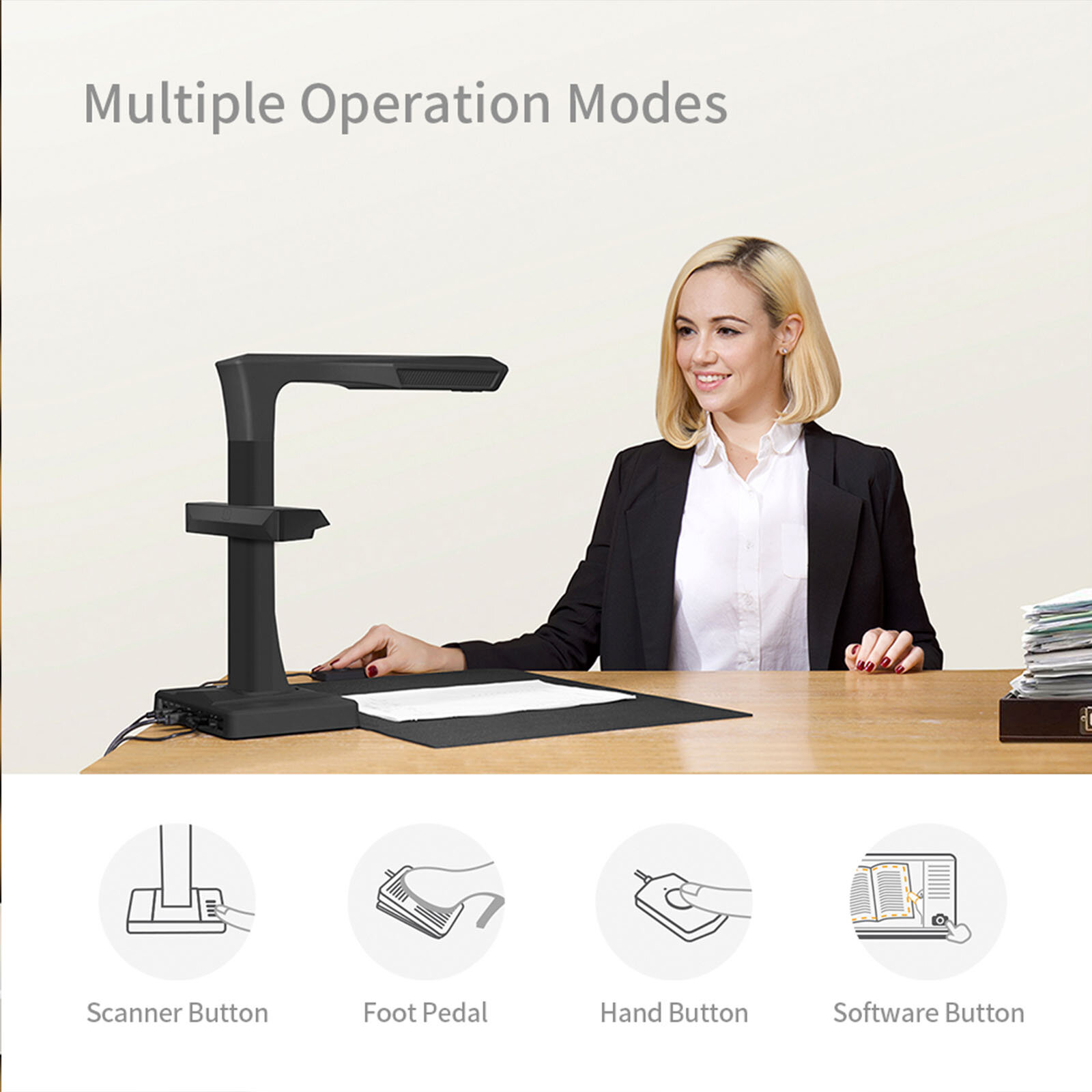
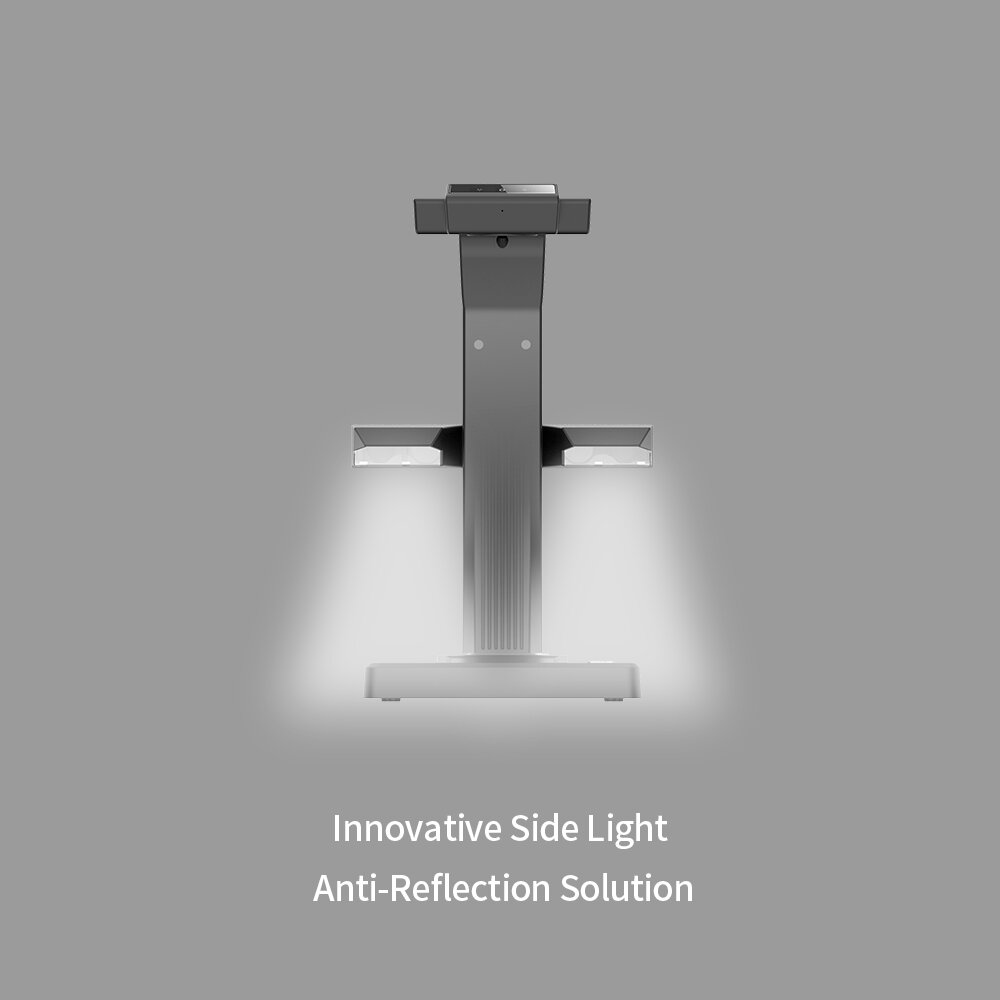
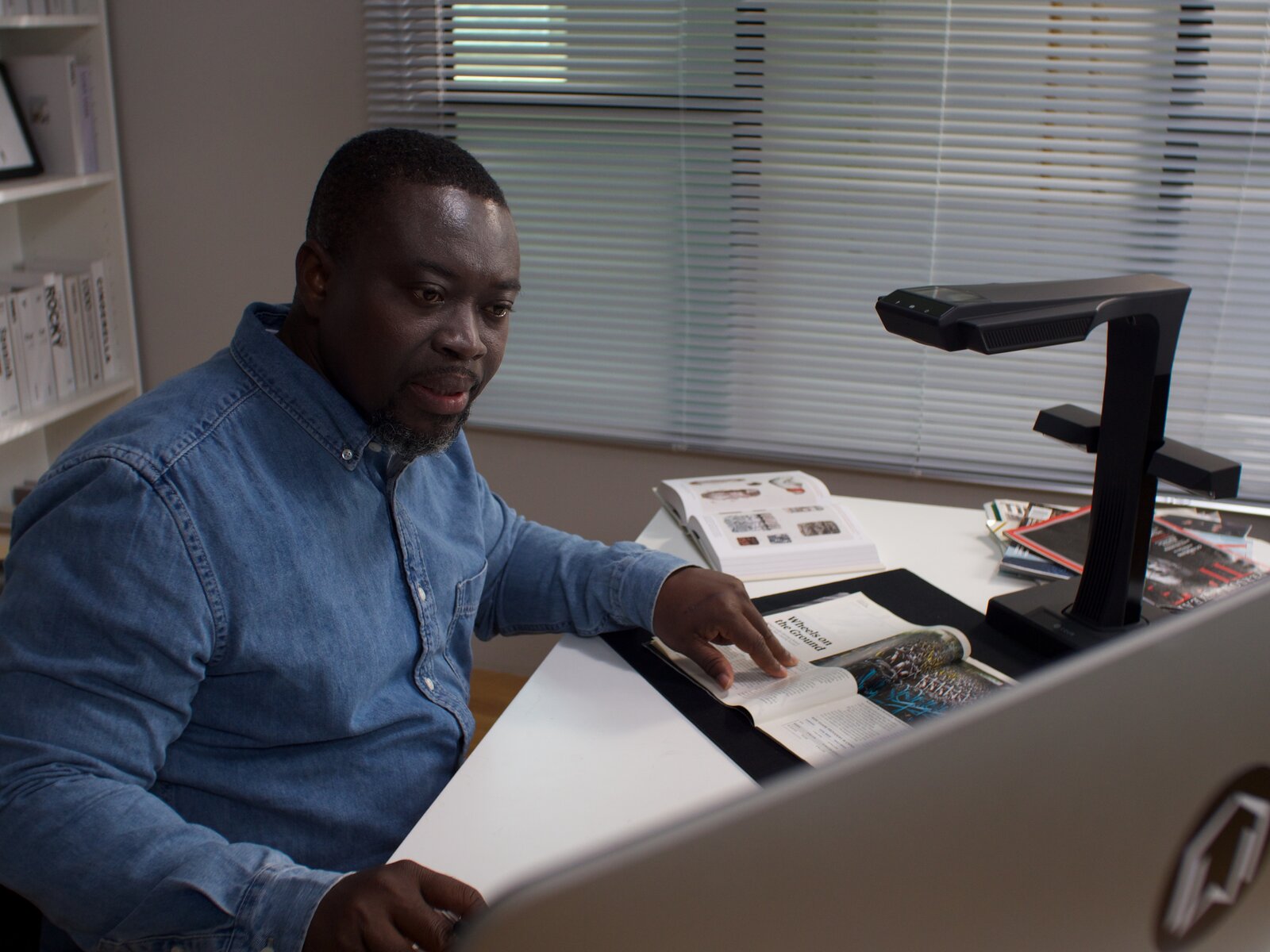
Finger removal is built in, so a hand holding the page open doesn't end up in the scan. The box includes the scanner, a side light, a hand button, a foot pedal, a document pad, finger cots and a power adapter.

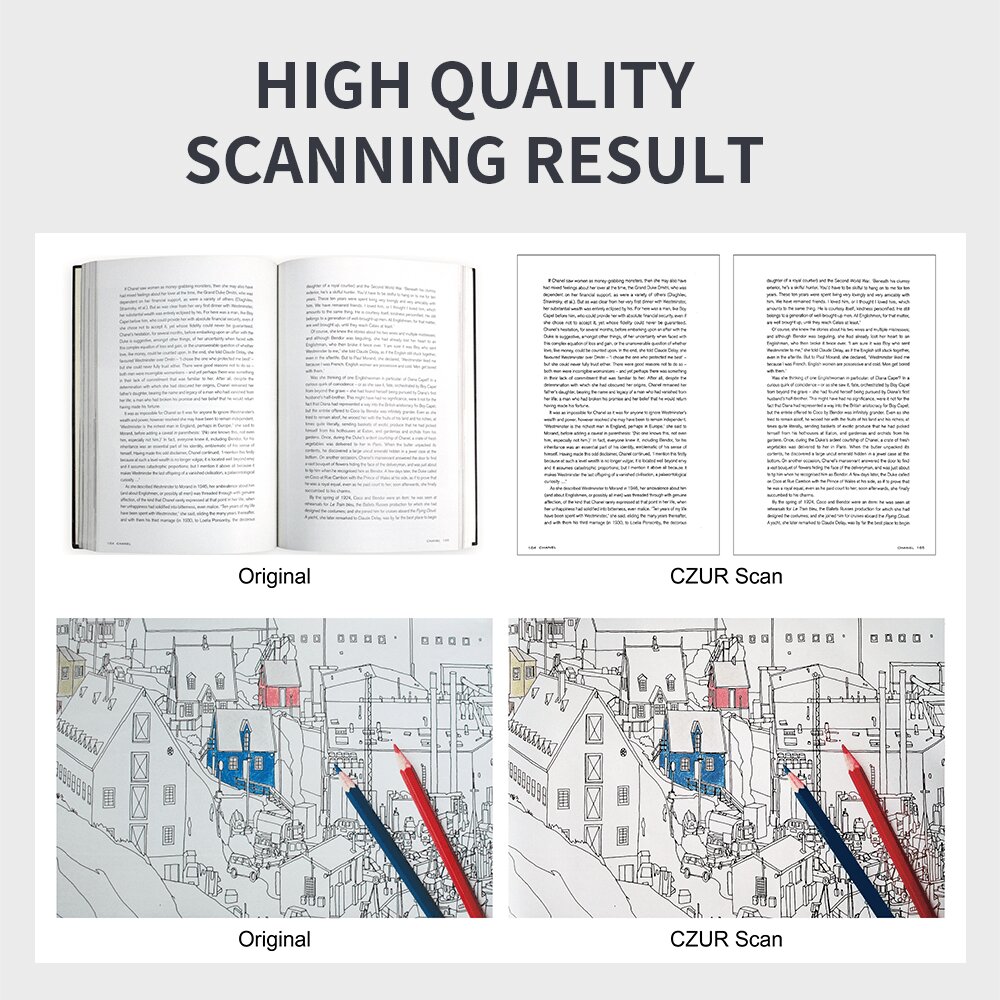
A scan with no OCR is just an image. Nothing in an image can be found by name or read aloud by a screen reader. The ET Max includes ABBYY OCR in 190 languages, and at 410 dpi across a full page the recognition holds up on small print and on foxed paper.
Output formats are searchable PDF, Word, Excel, TIFF, JPG and BMP. It runs on Windows, macOS and Linux, weighs 1.5 kg, and connects by USB, with an HDMI port too.
No. CZUR is explicit that it can't push scans into a shared archival system. Use it for internal staff scanning and patron self-service, and plan a manual step if the files have to land somewhere else. I'd rather you hear that from me than find out after the order.
The ET Max is 38 MP at 410 dpi and takes bound books up to 50 mm thick. The Aura Pro is 14 MP at 240 dpi and takes A4 bound books up to 30 mm. That gap is the whole decision.
CZUR also makes the ET24 Pro, ET18 Pro and ET16 Plus. Ask me if the ET Max is more than your shelf needs. If you're also looking at book scanning in general, see our ScannX book scanning post.
Buy it if you have bound volumes, fragile paper or student files that staff need to scan and search. Skip it if you need scans pushed into an archival system without a manual step, or if students will do the scanning at carrels. That second job belongs to the Aura Pro.
Does the ET Max need an internet connection? No. It runs entirely offline, with no cloud account and no WiFi, so nothing leaves the building. That's the part records offices ask about first when student files are involved.
Can the ET Max send scans straight to an archival system? No. CZUR says it can't push scans into a shared archival system. Use it for internal staff scanning and patron self-service, with a manual step if the files have to land somewhere else.
How big a book can the ET Max scan? Short answer: up to A3 (420 x 297 mm) and up to 50 mm thick. A laser sensor corrects the curve of the page, so the spine isn't pressed flat.
How many OCR languages does it support? 190, through ABBYY OCR, included with no subscription. Output formats are searchable PDF, Word, Excel, TIFF, JPG and BMP.
Can it scan several small items at once? Yes. Lay several small items down together and the software splits and straightens each one separately, so you don't scan receipts or index cards one by one.
Tell me whether the books are rare volumes, circulating stock or student files, and I'll tell you if the ET Max is the right size for the job.
Send us your quantities and we'll send a quote.
We can often fulfill through our distribution partners' cooperative contracts, including OMNIA, NCPA, TIPS and EQUALIS. Those are our distributors' awards rather than ours. We're a LAUSD contracted vendor and certified small business enterprise, NYC DOE Vendor NIN292659, SAM registered (CAGE 0DFK0), and family-owned since 1991. 9 to 5 Computer, 3948 3rd St S #103, Jacksonville Beach FL 32250, 904-891-7251.


